
Main Features
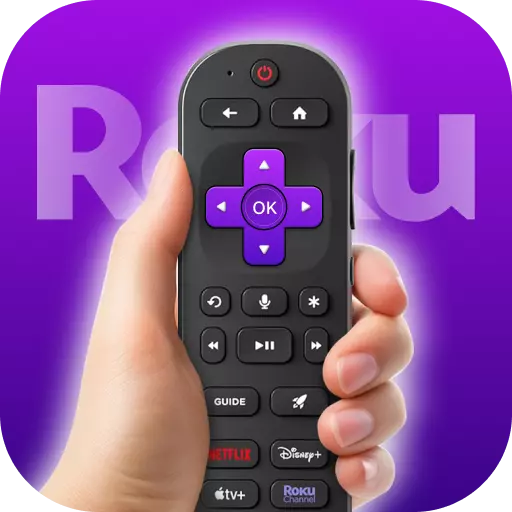
- Comprehensive Control: The app replicates the functions of a standard Roku remote, including power on/off, volume adjustment, and channel navigation. Users can seamlessly browse and stream content, ensuring a smooth viewing experience.
- Touchpad Navigation: Incorporating a touchpad feature, the app allows for intuitive control, enabling users to navigate menus and content effortlessly.
- Screen Mirroring: Users can cast media from their mobile devices to their Roku-connected TVs, facilitating the sharing of photos, videos, and other content on a larger screen.
- Voice Search: The app supports voice commands, allowing users to search for content or control playback using their voice, thereby enhancing the hands-free experience.
- Compatibility: Designed to work with all Roku models, from Streaming Sticks to Roku TVs, the app ensures broad compatibility across various devices.
User Experience and Reviews
Users have lauded the app for its user-friendly interface and the convenience it offers as a substitute for physical remotes. The touchpad navigation and screen mirroring features are particularly appreciated for enhancing the viewing experience. However, some users have reported occasional connectivity issues, such as the app losing sync with the Roku device, necessitating reconnection.
Pros and Cons
Pros
- Enhanced Convenience: The app eliminates the need for a physical remote, allowing users to control their Roku devices directly from their mobile devices.
- Additional Features: Features like touchpad navigation and screen mirroring provide functionalities beyond those of standard remotes.
- Cost-Effective: As a free application, it offers a budget-friendly alternative to purchasing replacement or additional remotes.
Cons
- Connectivity Reliance: The app requires both the mobile device and the Roku device to be on the same Wi-Fi network, which may limit usability in certain scenarios.
- Potential Lag: Some users have experienced slight delays in response time compared to physical remotes.
- Battery Consumption: Continuous use of the app may lead to increased battery drain on mobile devices.
Use Cases
- Lost or Damaged Remotes: Users who have misplaced or damaged their physical Roku remotes can use the app as an immediate replacement.
- Enhanced Navigation: The touchpad and voice search features offer more intuitive navigation options, benefiting users who prefer these input methods.
- Content Sharing: The screen mirroring feature is ideal for users looking to display mobile content on a larger screen for group viewing.
Conclusion
TV Remote Control for Roku TV serves as a versatile and convenient tool for managing Roku devices. Its array of features, including touchpad navigation, voice search, and screen mirroring, enrich the user experience beyond the capabilities of traditional remotes. While it offers significant advantages in terms of convenience and functionality, users should be mindful of potential connectivity and battery usage considerations. Overall, the app stands as a valuable addition for Roku users seeking flexibility and enhanced control over their streaming experience.